Zedlin

Vault

A password manager that knows your servers.

Your logins, codes and passkeys live in the same encrypted workspace as your servers. They fill themselves in on your phone and in Chrome, and your team can share them without ever pasting one into chat.

Everywhere you sign in

It fills itself in.

iOS AutoFill offers your logins in Safari and in other apps, and the Zedlin extension does the same in Chrome on your computer. Logins match the sites and subdomains they belong to.

  • iOS AutoFill for passwords, codes and passkeys
  • Chrome extension for Windows and Linux
  • One-time codes next to the password
  • Fill, save and change passwords from the browser
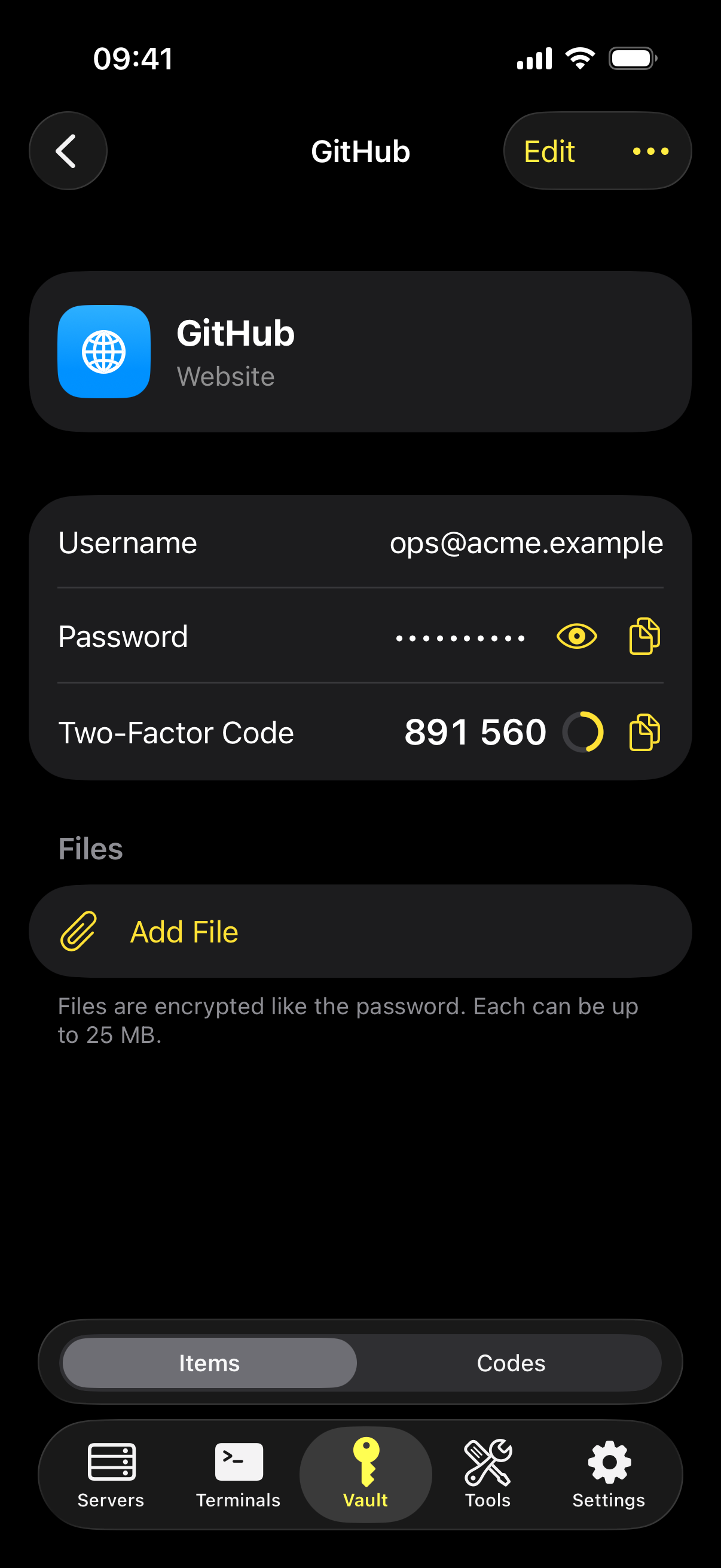
Zedlin on iPhone: a vault item with username, password and two-factor code

Password health

Know which passwords to change.

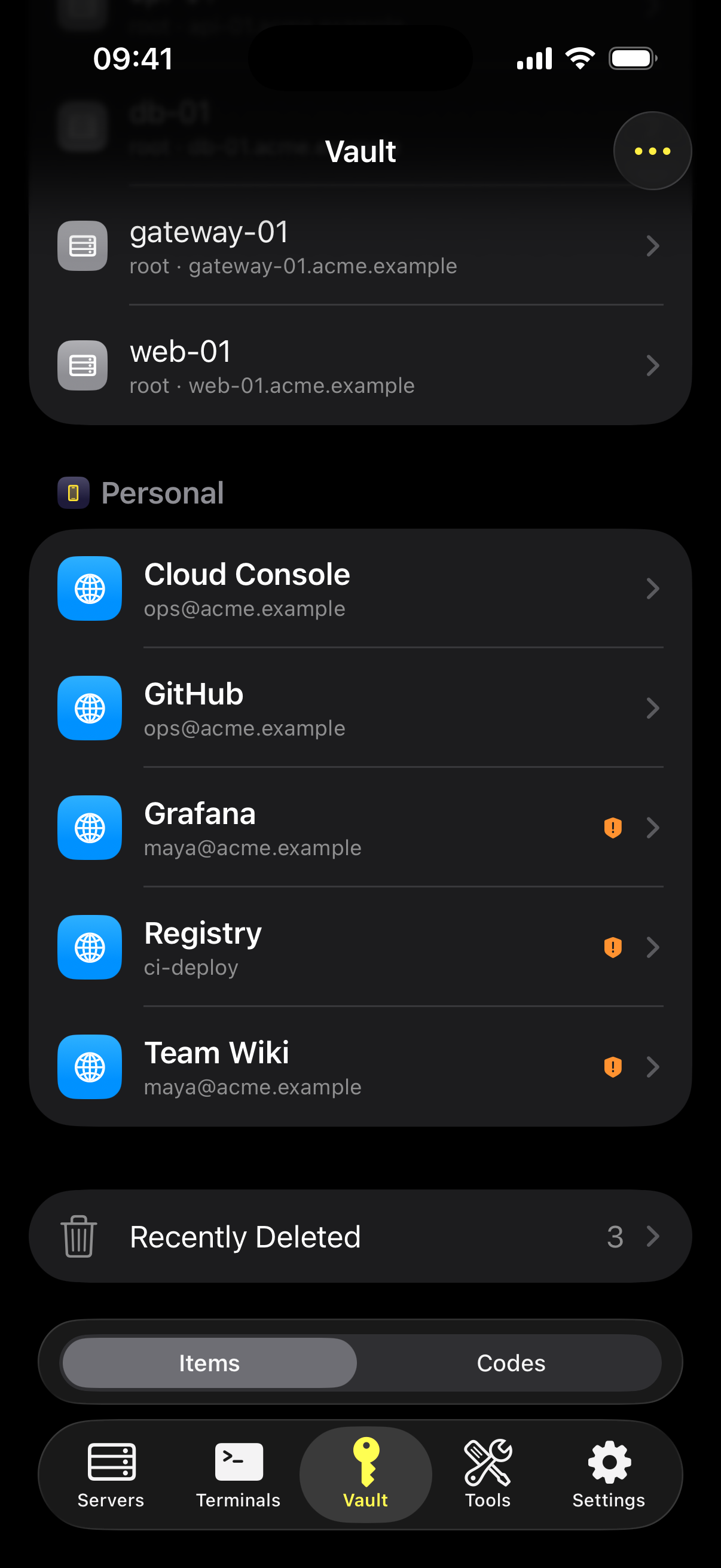
Zedlin finds leaked, reused, weak and old passwords, and the sites where you could turn on two-factor sign-in. To check for leaks, only the first five characters of a password's hash leave your device.

  • Leaked, reused, weak and old passwords
  • Sites that support two-factor codes
  • Deleted items stay in the trash for 30 days
  • Files attached to any item, encrypted like the rest
Zedlin on iPhone: vault list with reused passwords flagged

What it holds

One place for every secret.

Each kind of item has the fields it needs, and all of them are encrypted on your device.

Logins

Web, email, database and SSH sign-ins with custom fields.

Codes

TOTP codes in their own view. Add one by scanning a QR code.

Passkeys

Sign in with passkeys stored in Zedlin, on iPhone and through the Chrome extension.

Notes, cards and identities

Secure notes, payment cards and identity details.

API keys

Keep tokens with the services they belong to, and use them from the command line on your computer.

Import

Bring items over from another manager's CSV export.

Tags and views

Filter by tag on every device; on desktop, group by tag and save views.

Attachments

Up to 25 MB per file: certificates, keys, scanned documents.

For teams

Shared without being passed around.

On a Zedlin server, team items stay on your server and every opening is recorded.

Team

Who sees what

Everyone, chosen teams or admins only, set per item.

Team

Password delivery

Hand a password to one person instead of pasting it into chat.

Team

Offline access

Decide per item who keeps a copy on their device for when the server is out of reach. Copies are wiped after seven days without contact.

Team

Approval for every opening

Items without offline access ask your approval device each time they are opened.

Want to try Zedlin early?

Zedlin is in early access. Write to us and tell us how you'd use it.